 PageRead
Reading Refined
on iPad.
PageRead is a fast, distraction-free native SwiftUI PDF reader with in-place iCloud Drive access, hands-free voice navigation, natural Text-to-Speech, and custom reading themes.
Engineered for Focused Reading
No clutter. No duplicate storage. Just your documents rendered natively with fluid gestures, voice navigation, and human-sounding audio.
In-Place iCloud Drive Access
Opens PDFs directly from iCloud Drive or local storage in place. Your files remain in their original folders and sync seamlessly across iPad and Mac with zero storage duplicated.
View Screenshot →Horizontal Turning & Pinch Zoom
Configured with single-page horizontal swipe navigation, fluid pinch zoom, and an autohiding menu bar for distraction-free reading. A single tap anywhere toggles controls instantly.
View Screenshot →Hands-Free Continuous Voice
Built with Apple's Speech Framework for on-device recognition. Read hands-free by saying "Next page", "Previous page", or "Go to page 15", and set magnification with "Fit Page", "Narrow", "Trim Margins", or "Extra Large".
View Screenshot →Natural Neural Text-to-Speech
Powered by Apple AVFoundation with top human-sounding voices (Aaron, Tessa, Samantha). Floating player pill includes speed control (0.75x–2.0x) and Auto-Next page turning.
View Screenshot →7 Ergonomic Themes & Tints
Fine-tuned reading environments: Warm Sepia, Medium Sepia, Dark Sepia, Light Grey, Charcoal Grey, Slate, and true OLED Dark for night reading. Easily customized via the PageRead Preferences menu and persisted automatically.
View Screenshot →100% On-Device Privacy
No telemetry, no tracking, and zero external servers. All voice recognition, speech synthesis, and document indexing occur strictly on-device in Apple's protected sandbox.
Sample Screenshots
Explore high-fidelity views of PageRead in action on iPadOS.
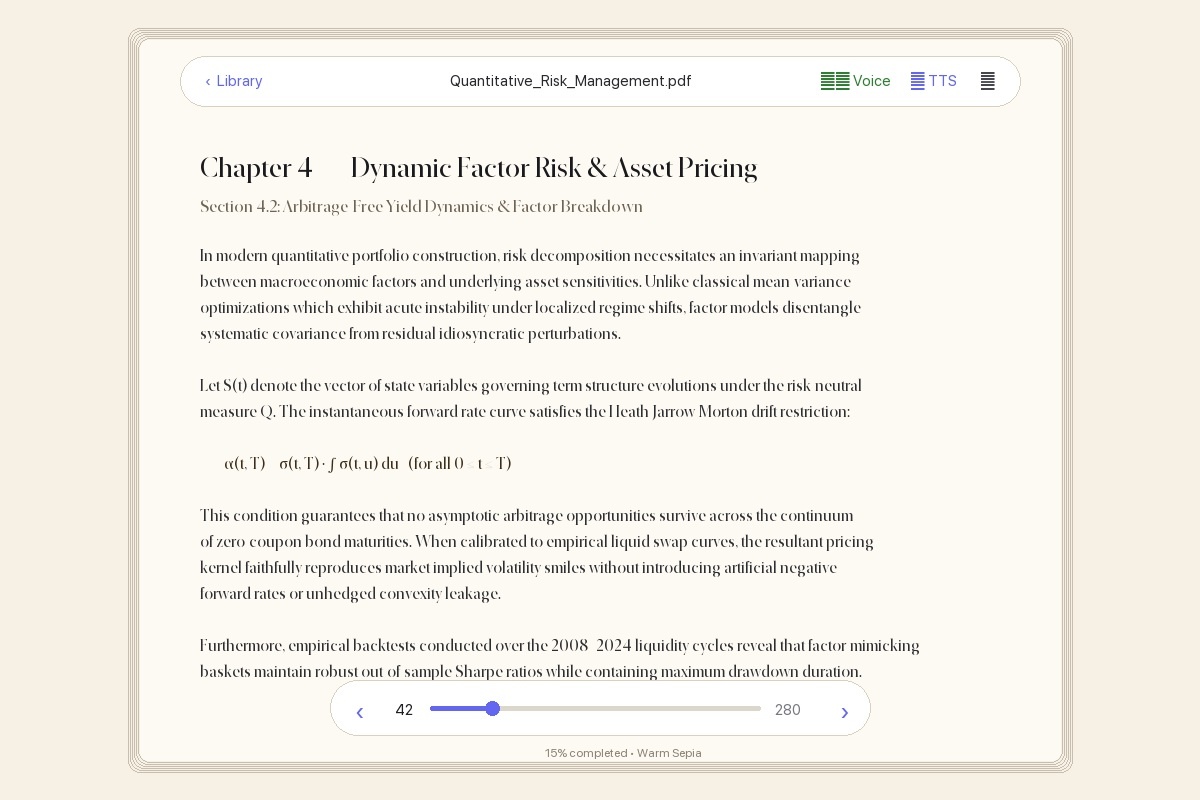
Warm Sepia Reading Mode View →
Gentle paper tint designed for hours of fatigue-free reading with floating glass page scrubber and previous/next controls.
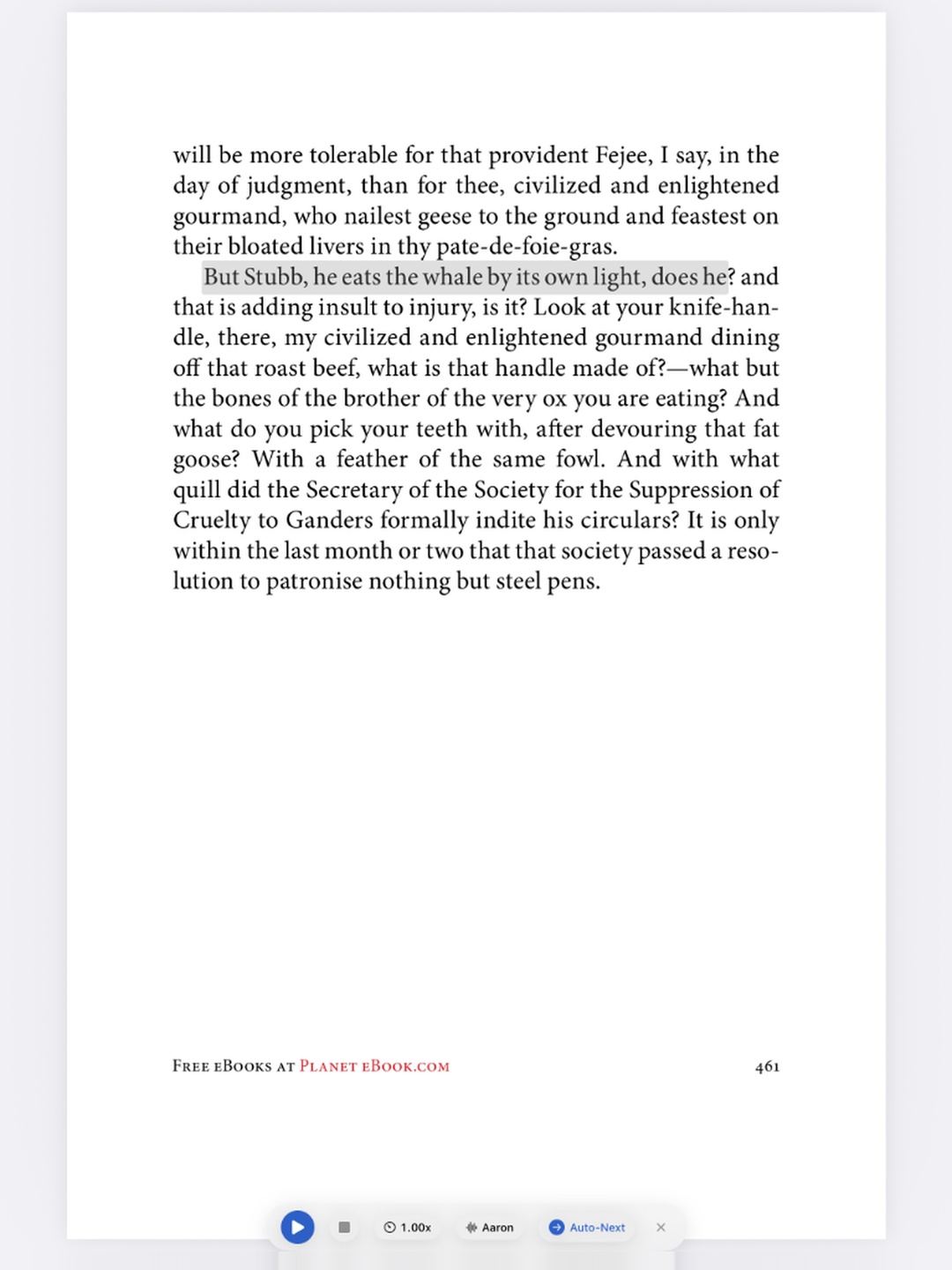
Voice Navigation & Audio Bar View →
Continuous listening indicator ("Next page", "Trim Margins") and floating player with speed multiplier, voice selector, and Auto-Next.
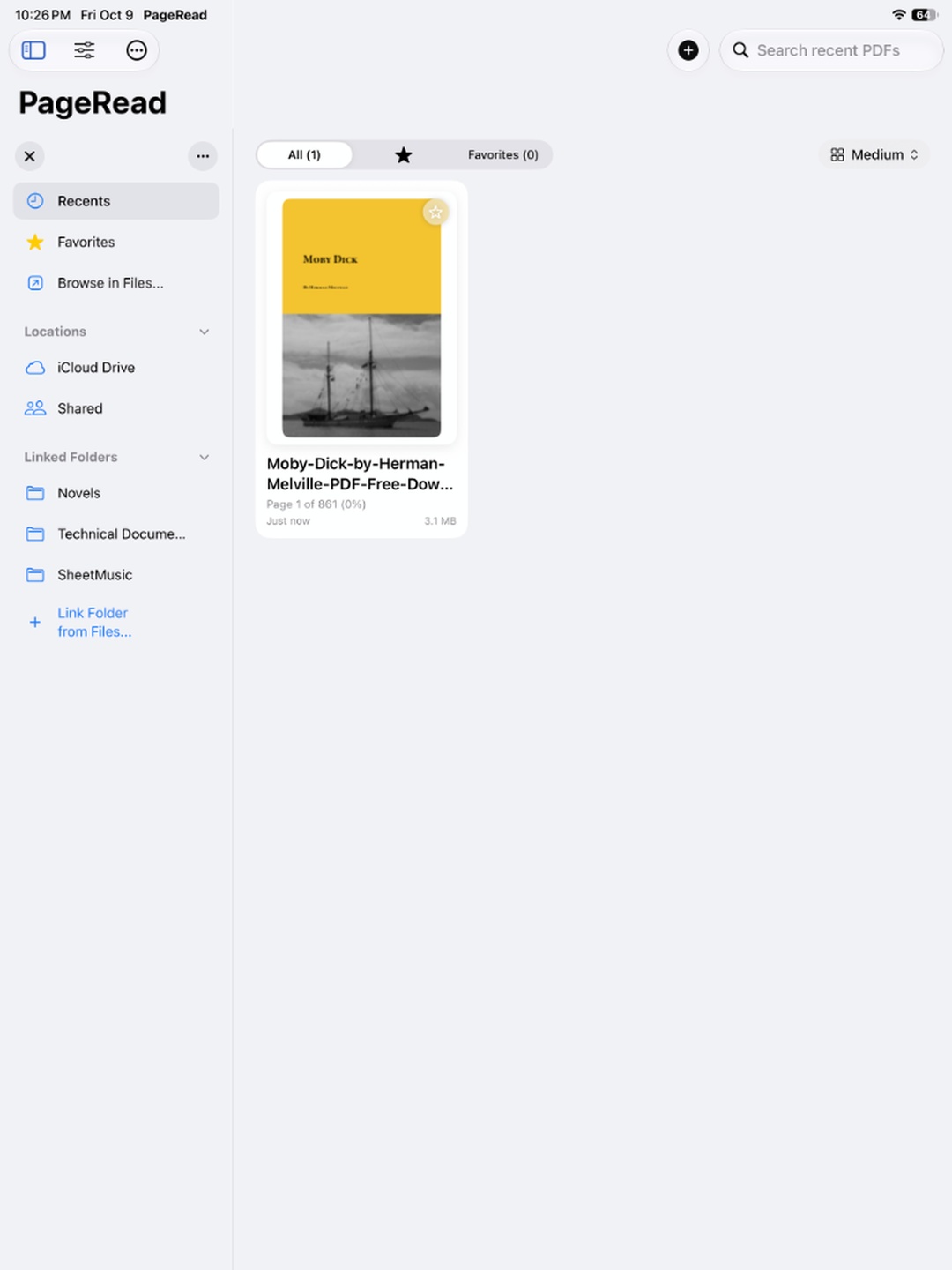
Recent Documents Shelf View →
Responsive library displaying cover thumbnails, reading percentages, relative timestamps, and one-tap iCloud Drive opening.
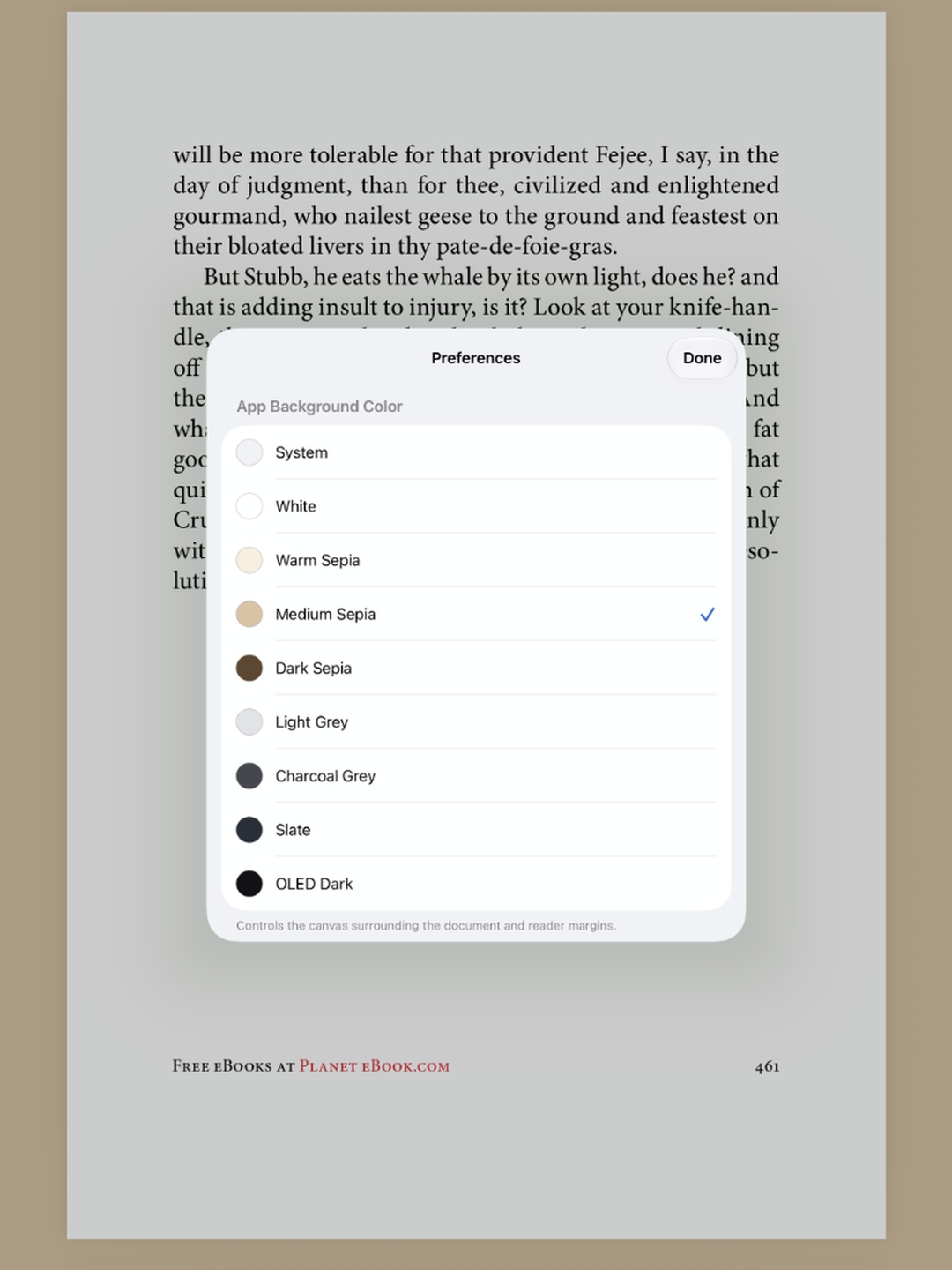
Themes, Highlights & Preferences View →
Pure true black OLED Dark night theme, 5-color PDF text highlighting, and one-tap options to remove individual or all highlights in the document.
Built for Apple Pencil & Magic Keyboard
PageRead is optimized for iPad power users. Fluid swipe gestures, full-screen single-tap toggling, native PDF text highlighting with 5 colors, and document-wide annotation clearing.
Get PageRead
Reading refined for iPad and Mac. Free to use with zero subscriptions and complete privacy.
Requires iPadOS 17.0 or later (optimized for iPad, iPad Air, iPad Pro, and iPad mini). Also runs on Mac (Apple Silicon).